| View previous topic :: View next topic |
| Author |
Message |
MundaneR
Newbie cheater
![]() Reputation: 0 Reputation: 0
Joined: 05 Sep 2021
Posts: 10
|
 Posted: Mon Jan 31, 2022 3:24 pm Post subject: How to find AI mode for a game? Posted: Mon Jan 31, 2022 3:24 pm Post subject: How to find AI mode for a game? |
 |
|
Coming straight to the point, I have an option named Toggle AI and I can bind any key to it and it toggles it on effectively forcing the AI to control my player without any inputs from my side. The problem here is that the AI mode is bugged so if I need to get out of AI mode I need to leave the game entirely(the whole game process) and then I am back to default.
Here arises a challenge I am not sure if it's a boolean value or something else which it uses to compare or toggle it on or off (I guess it will make much sense if it's a boolean?) and I can only toggle it on once after that I need to exit the game which makes it harder to figure out which address exactly deals with turning the AI mode on apart from pressing a keybind.
Is there any way to go about so? If so how could I? If the current information isn't enough yet please let me know in the comments I'll surely explain it a bit more in-depth.
|
|
| Back to top |
|
 |
LewcowVaal
Advanced Cheater
 Reputation: 0 Reputation: 0
Joined: 30 Dec 2017
Posts: 62
|
| Posted: Mon Jan 31, 2022 3:34 pm Post subject: |
|
|
It really depends. Could be different from game to game...
If it is a setting, most likely there is a boolean value, or something like that. I would start trying to search for changed and unchanged 4 bytes and see if you can narrow it down to few addresses. If don't, try 2 bytes.
Also pay attention to green addresses too, most of the times they hold the settings variables.
Keep in mind that if you manage to find the correct value, the game logic could check on that address only when you open or close a certain menu or something like that, so you would have to do a bit of debugging too.
|
|
| Back to top |
|
|
MundaneR
Newbie cheater
![]() Reputation: 0 Reputation: 0
Joined: 05 Sep 2021
Posts: 10
|
| Posted: Tue Feb 01, 2022 2:04 am Post subject: |
|
|
| LewcowVaal wrote: | It really depends. Could be different from game to game...
If it is a setting, most likely there is a boolean value, or something like that. I would start trying to search for changed and unchanged 4 bytes and see if you can narrow it down to few addresses. If don't, try 2 bytes.
Also pay attention to green addresses too, most of the times they hold the settings variables.
Keep in mind that if you manage to find the correct value, the game logic could check on that address only when you open or close a certain menu or something like that, so you would have to do a bit of debugging too. |
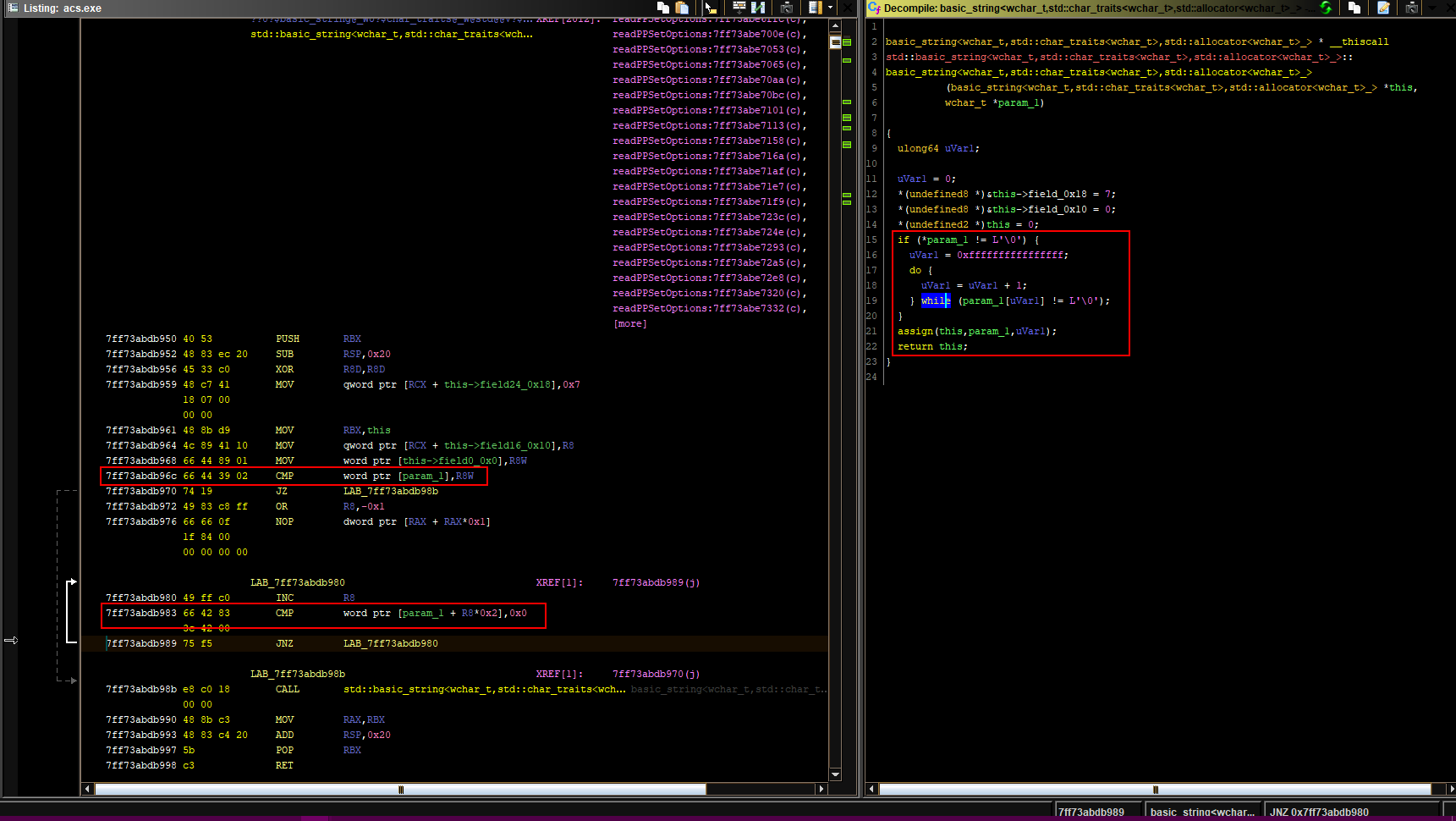
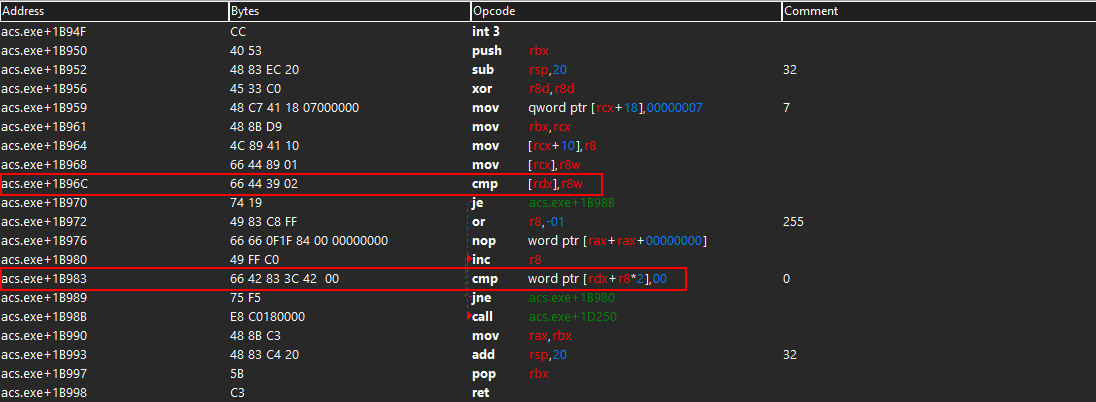
So I found an address in which a text gets displayed as soon as I toggle AI mode on. Decided to use Find out what accesses this address and to my surprise, I found 4 instruction addresses of which two are from a DLL called MSVCR120.dll and the other 2 are the ones within the game (acs.exe) decided to not touch the DLL and instead start NOP'ing the two instructions and when I did so when I press my keybind AI no longer works (NOP'ing out either one of the addresses from the two produced this result) now I am sort of stuck as to where to go next.
Like how do I find a way to instead of pressing a keybind maybe if I can just change some numbers just so that I can toggle AI mode on and possibly see if I can turn it back off? (even though it bugged just for curiosity) when I tried to Find out what addresses this instruction accesses I find a lot of addresses and their value in byte.
I have posted an image down below showing the two addresses which were picked up by the display address (the one used to show the player that AI mode is on) also a side note I tried checking if it's linked with a function and it does so named as acs.Sim::onKeyDown so maybe the addresses which I've found are only for registering my keybinds and not the AI function itself?
| Description: |
|
| Filesize: |
43.11 KB |
| Viewed: |
2880 Time(s) |
|
|
|
| Back to top |
|
|
MundaneR
Newbie cheater
![]() Reputation: 0 Reputation: 0
Joined: 05 Sep 2021
Posts: 10
|
|
| Back to top |
|
|
|

 FAQ
FAQ Search
 Memberlist
 Usergroups
 Register
 Profile
 Log in to check your private messages
 Log in