| View previous topic :: View next topic |
| Author |
Message |
wbx001
How do I cheat?
![]() Reputation: 0 Reputation: 0
Joined: 23 Apr 2026
Posts: 4
|
 Posted: Sun May 31, 2026 6:34 am Post subject: Cheat Engine Simple MCP Server Posted: Sun May 31, 2026 6:34 am Post subject: Cheat Engine Simple MCP Server |
 |
|
Overview
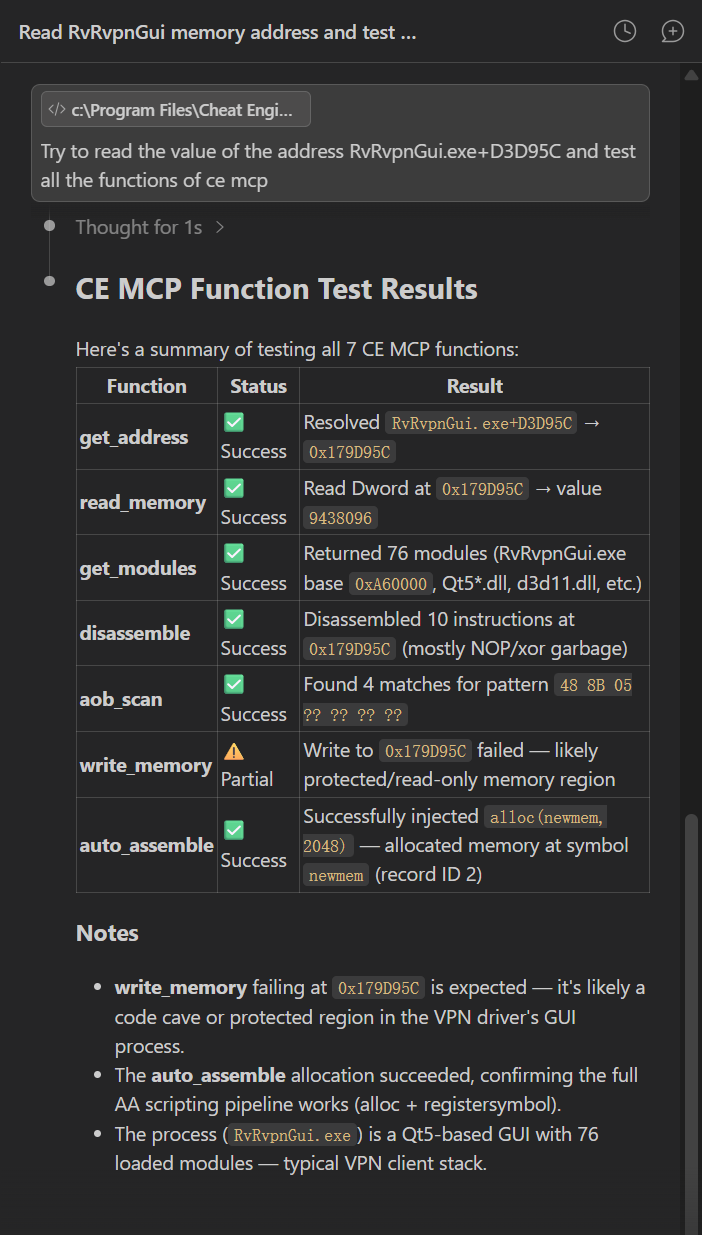
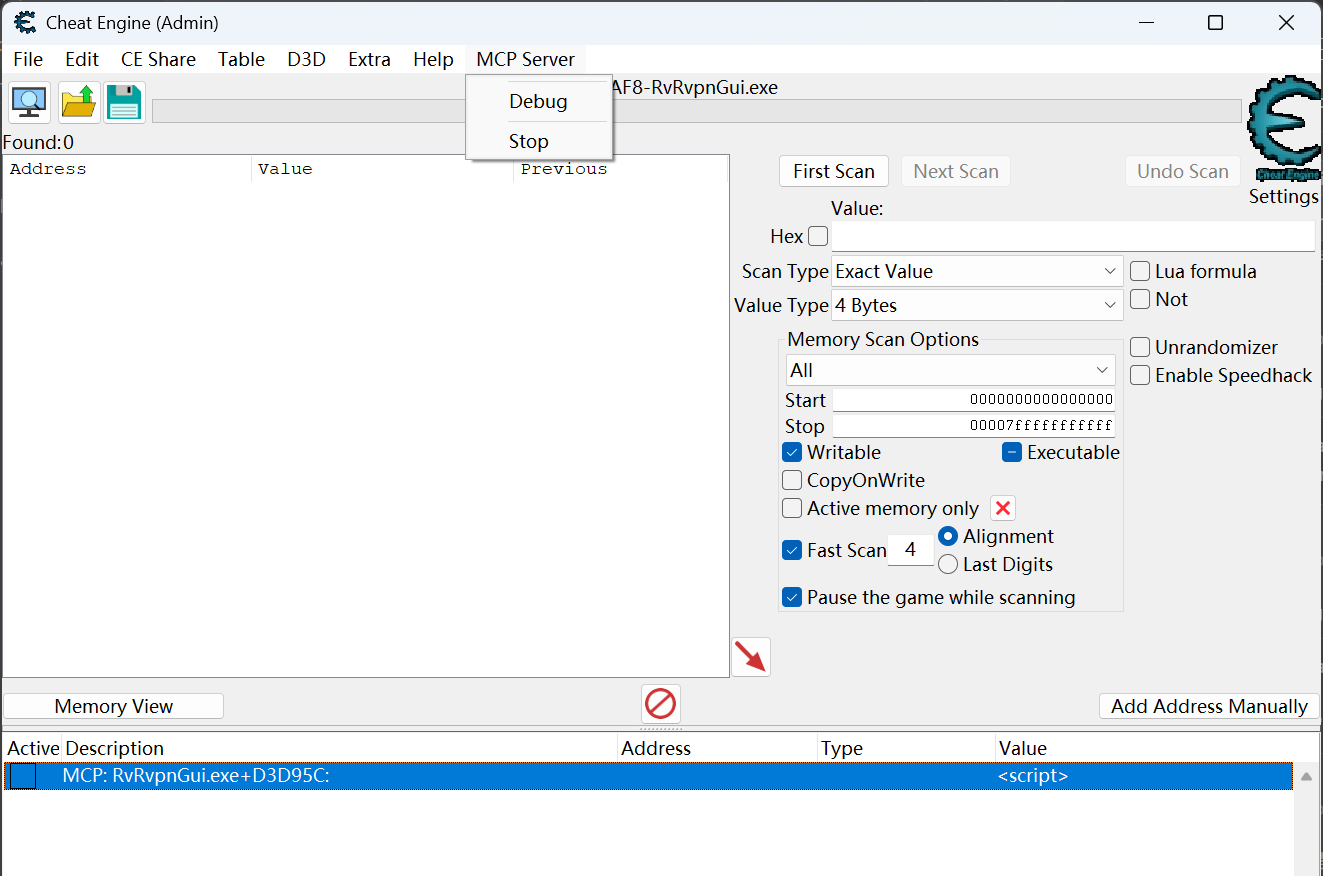
Adds a MCP Server menu to the CE title bar. External tools connect via TCP socket, which forwards requests to Cheat Engine through file pipes. Supports memory read/write, disassembly, AOB scanning, and auto-assemble injection.
Commands
| Code: | get_address Resolve symbol expressions
get_modules List process modules
disassemble Disassemble at address
read_memory Read memory (1/2/4/8 bytes or block, hex mode supported)
write_memory Write memory (hex mode supported)
aob_scan AOB pattern scan
auto_assemble Inject code, create memory record in address list
calc Hex calculator (Lua expressions, 0x hex support) |
Requirements
Python 3
Setup
1.Place ceMCP.lua in Cheat Engine/autorun/
2.Add the MCP configuration to Claude Code or other Agent tools using ceMCP_config.lua
3.In CE, go to MCP Server → Start
Check Debug to view request logs
Menu
MCP Server
├── Debug ← Enable debug logs
└── Start ← Start/Stop server
| Description: |
|
| Filesize: |
203.65 KB |
| Viewed: |
9077 Time(s) |
|
| Description: |
|
| Filesize: |
105.2 KB |
| Viewed: |
9077 Time(s) |
|
| Description: |
|

Download |
| Filename: |
ceMCP_config.lua |
| Filesize: |
8.25 KB |
| Downloaded: |
752 Time(s) |
| Description: |
|
Download |
| Filename: |
ceMCP.lua |
| Filesize: |
19 KB |
| Downloaded: |
693 Time(s) |
|
|
| Back to top |
|
 |
back1ply
How do I cheat?
![]() Reputation: 0 Reputation: 0
Joined: 02 Jun 2026
Posts: 1
|
| Posted: Tue Jun 02, 2026 5:45 pm Post subject: |
|
|
Is this the same as this ?
github(dot)com/miscusi-peek/cheatengine-mcp-bridge
|
|
| Back to top |
|
|
wbx001
How do I cheat?
![]() Reputation: 0 Reputation: 0
Joined: 23 Apr 2026
Posts: 4
|
| Posted: Sat Jun 06, 2026 8:40 am Post subject: |
|
|
| back1ply wrote: | Is this the same as this ?
github(dot)com/miscusi-peek/cheatengine-mcp-bridge |
This is a version with a simpler design architecture that is easier to use, though its features are not as extensive.
However, anyone who is interested can add the features they want to this tool with the help of AI, simply by editing ceMCP.lua and updating the Python code in the config.
|
|
| Back to top |
|
|
|

 FAQ
FAQ Search
 Memberlist
 Usergroups
 Register
 Profile
 Log in to check your private messages
 Log in


